Client System + Casework
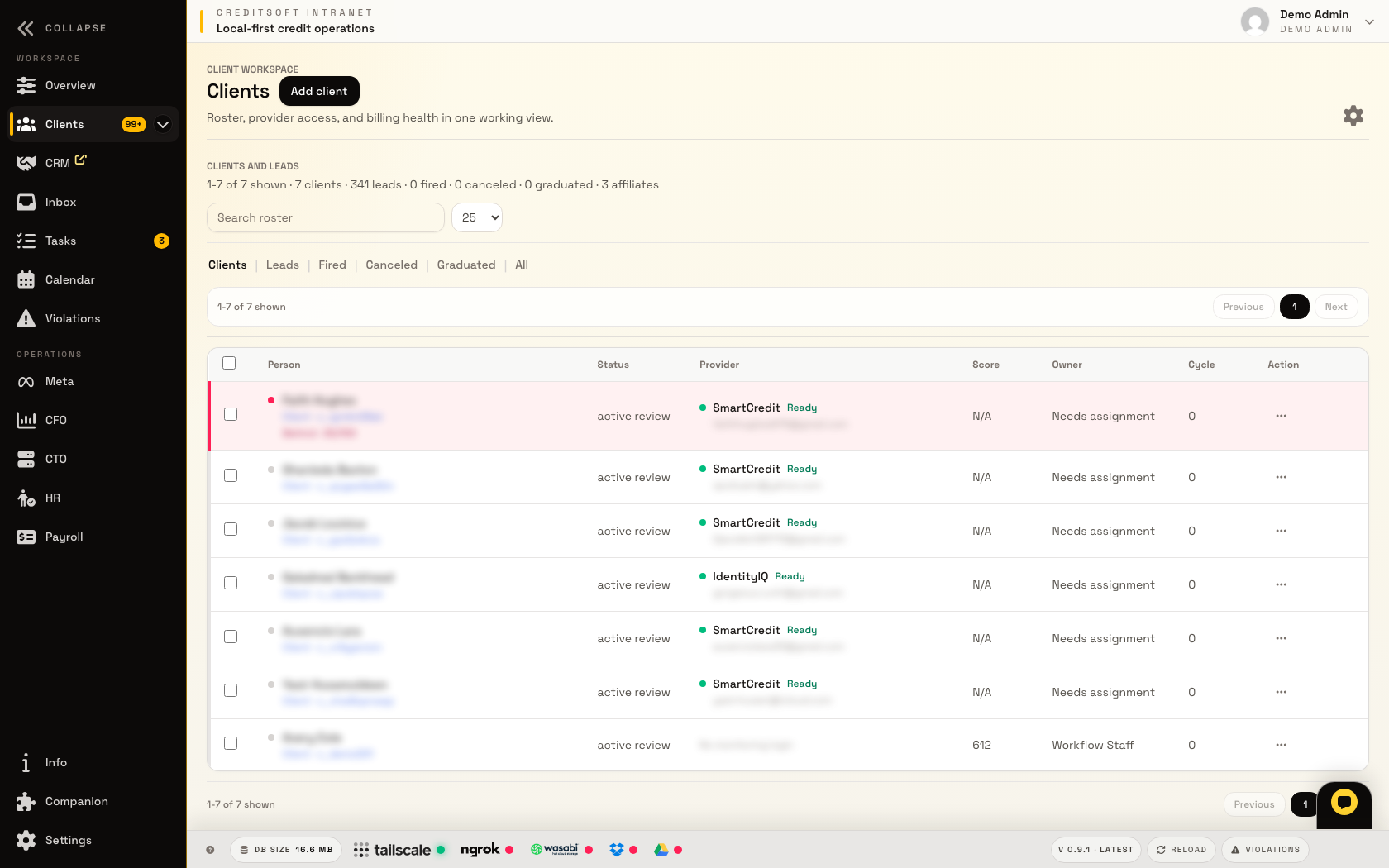
The client system is the daily workspace. It is where the office sees who owns the file, what is due, which report work needs review, and what the customer still needs to provide.
- Client workspace keeps notes, status, cycles, files, letters, and provider capture tied to the same record.
- Metro2 and comparison review help staff find mismatches, inaccurate late payments, invalid collections, and bureau conflicts before drafting.
- Portal uploads and client-facing updates feed back into the office workflow instead of becoming a disconnected inbox.
What the office works from
- Roster context Owner, status, billing signal, provider access, and next action belong beside the client name.
- Case notes Staff notes, cycle context, and review decisions stay searchable on the client timeline.
- Documents and files Uploads, letter outputs, screenshots, and report captures stay attached to the right client.
Where automation helps
- Provider capture The browser companion can feed report and login status back into the same client record.
- Review queue High-severity issues, missing owners, and due work surface before the file stalls.
- Customer follow-up Provider-login problems can queue CRM work for staff review before any customer message is sent.
Keep the overview clean.
Use this page when you want the client workflow details. The overview page stays lighter so buyers can understand the full stack faster.