CreditSoft Features
Features

See the whole CreditSoft product map before you choose a lane.

Start with the overview, then jump into the deeper pages for the CRM, Metro2 review, client portal, API bridge, multi-office nodes, compliance, email providers, and social lead handoff.

Local-first office CRMMetro2 review workflowPortal and app accessMulti-office ready
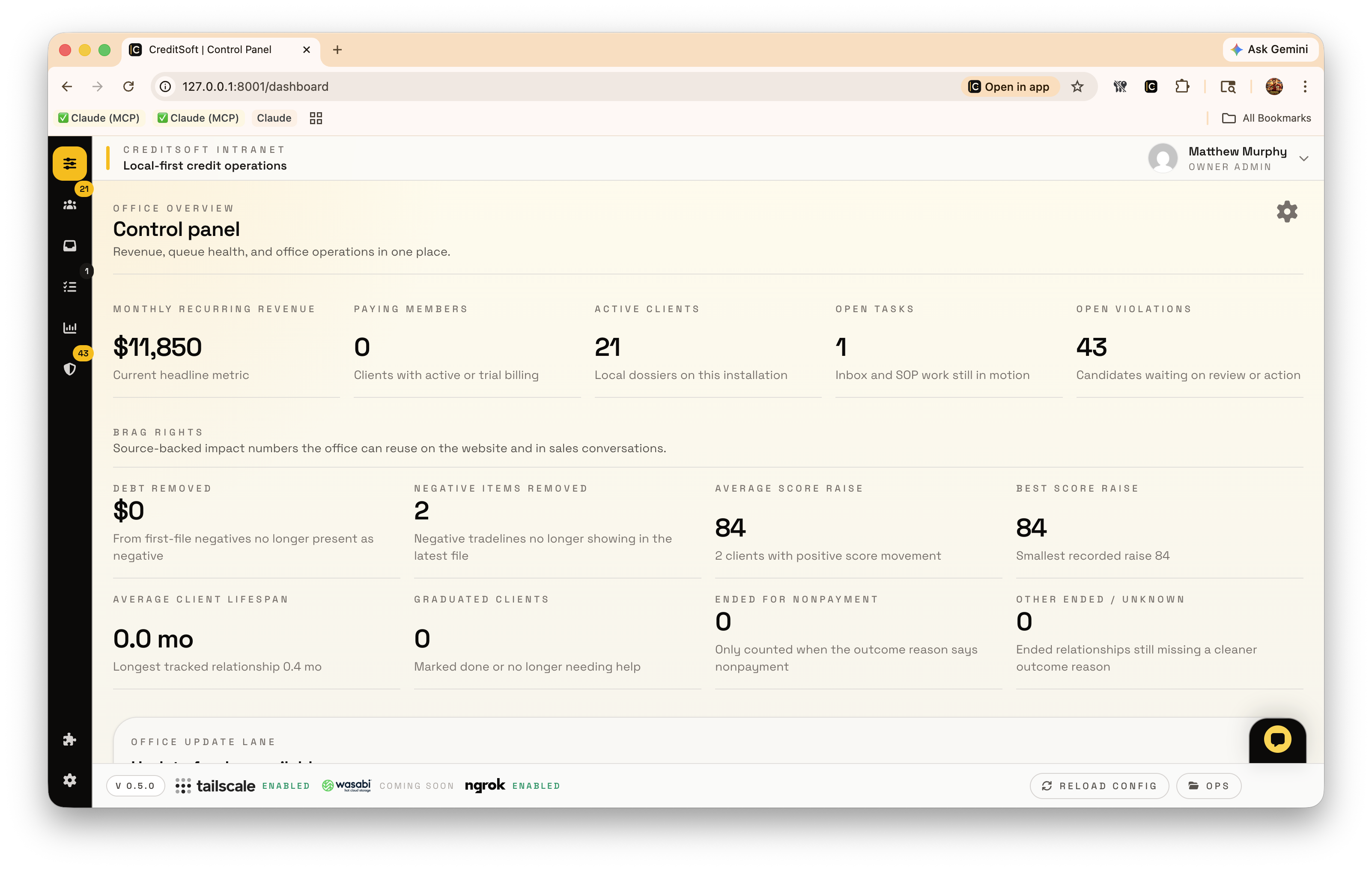
CreditSoft dashboard screenshot inside the installed desktop app.
Installed office workspace
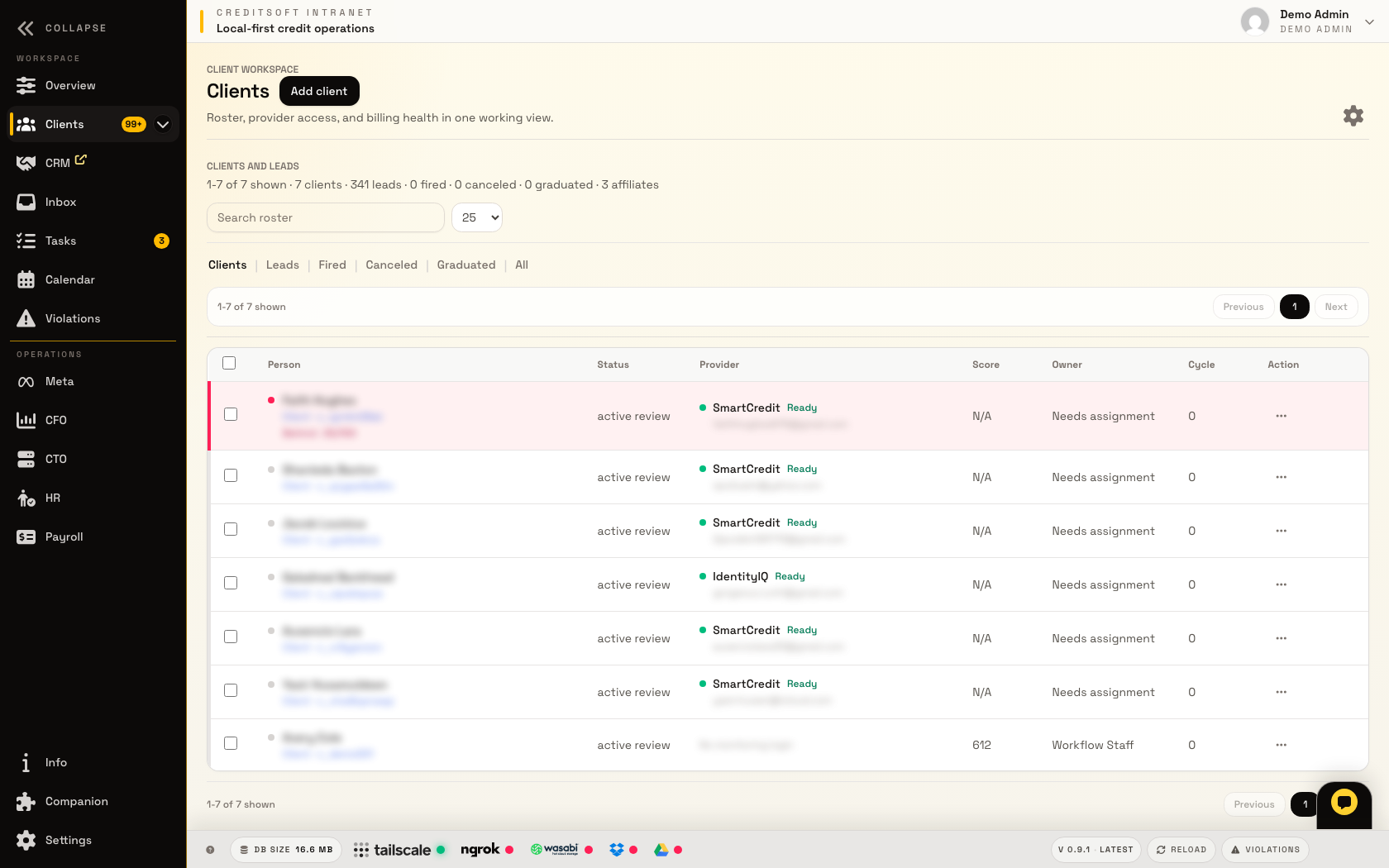
CreditSoft client roster screenshot.
CRM roster
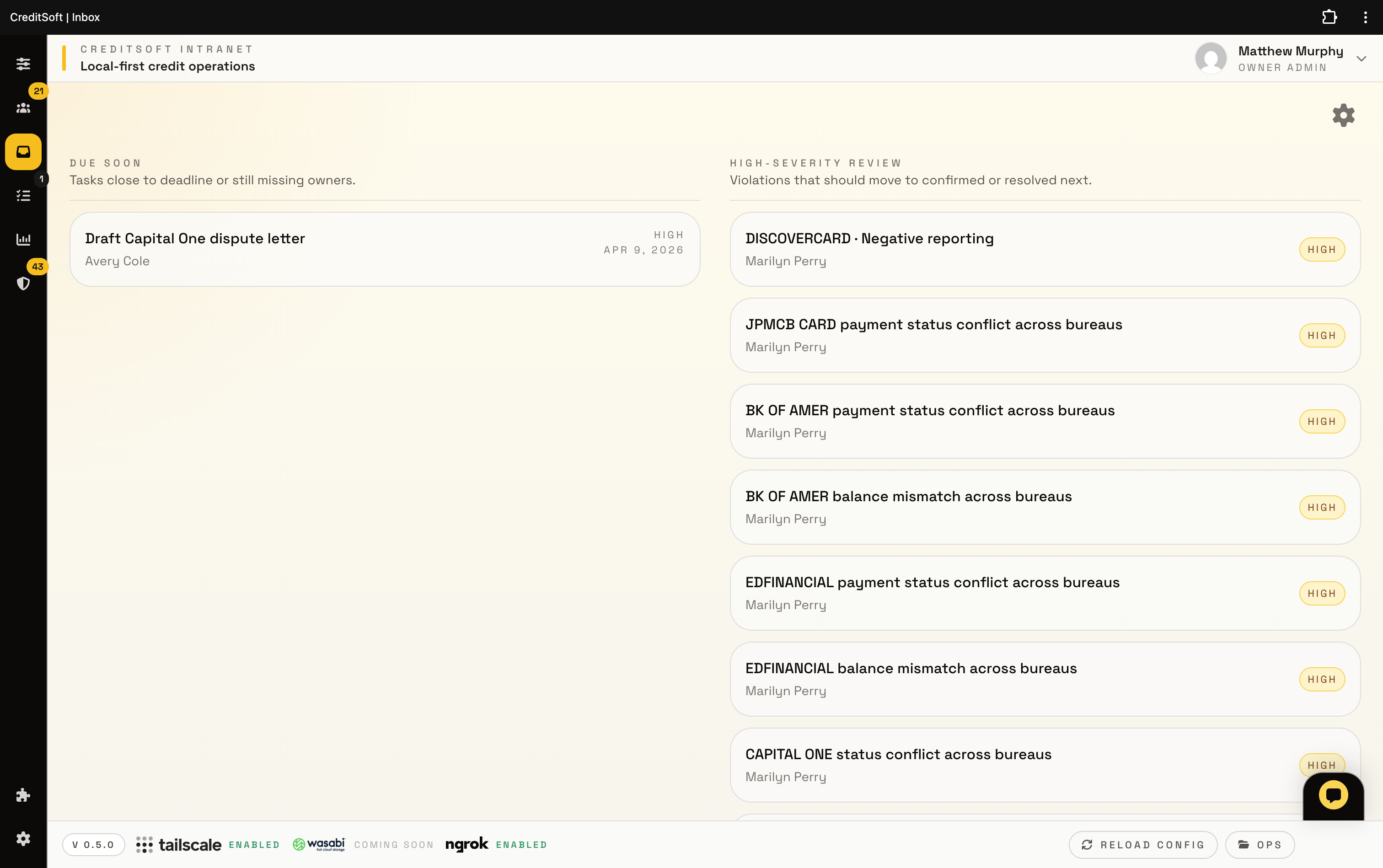
CreditSoft inbox queue screenshot.
Review queue
Overview

A screenshot-backed path through the system

The page works like a product index: each area gets a short preview, a real interface screenshot, and a link into the matching submenu page.

CreditSoft installed app dashboard screenshot.
Workspace

The public site points visitors into a real office system.

CreditSoft is not just a marketing shell. The CRM, client roster, inbox queues, and tasks board give the feature pages something concrete to show before a prospect clicks deeper.
Local-first CRMMetro2 review
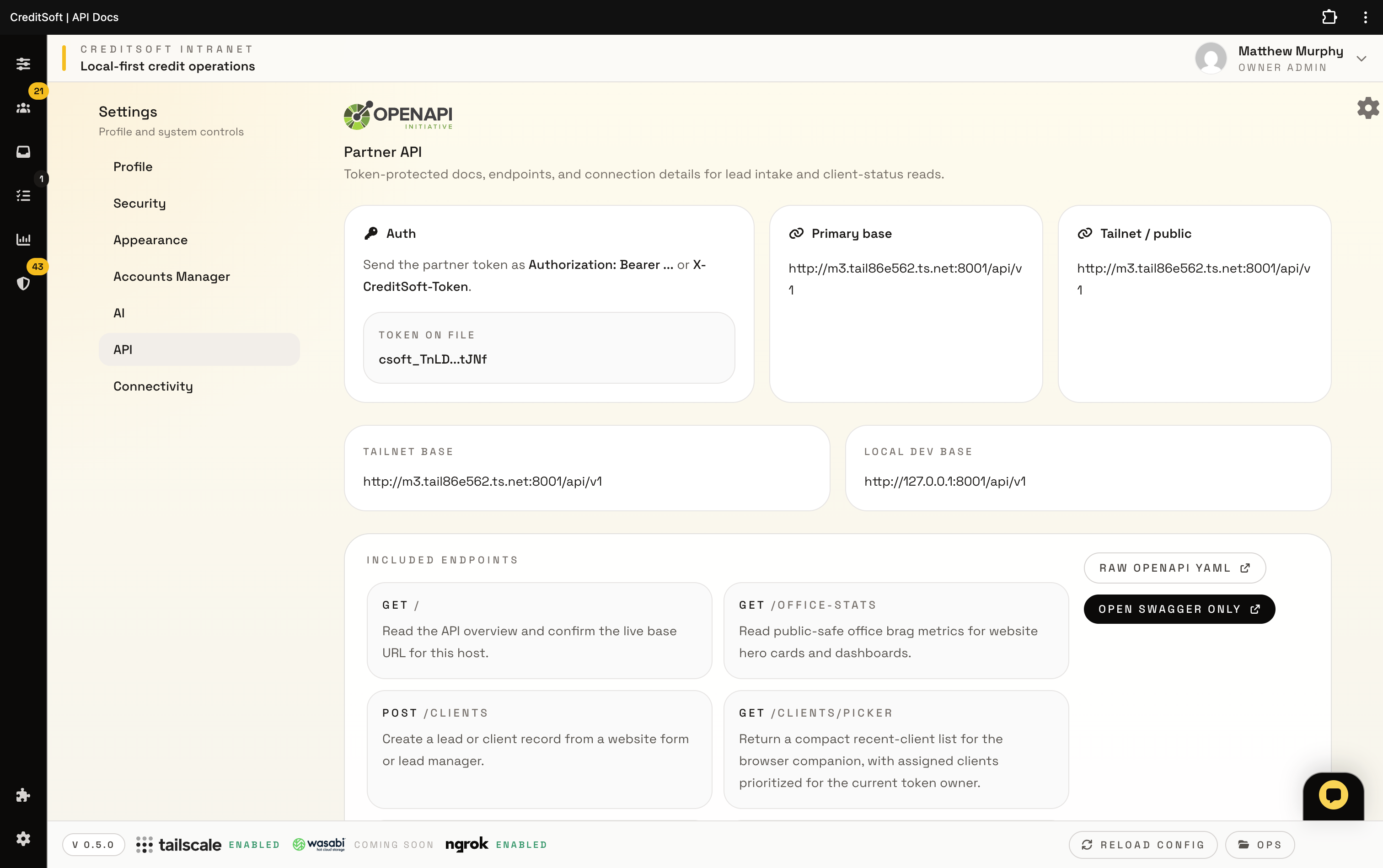
CreditSoft API settings screenshot.
Bridge

Client-facing actions can flow back to the local office.

Portal uploads, intake events, browser capture, and callback routes can be explained as one bridge instead of a pile of disconnected add-ons.

Client portalAPI bridge
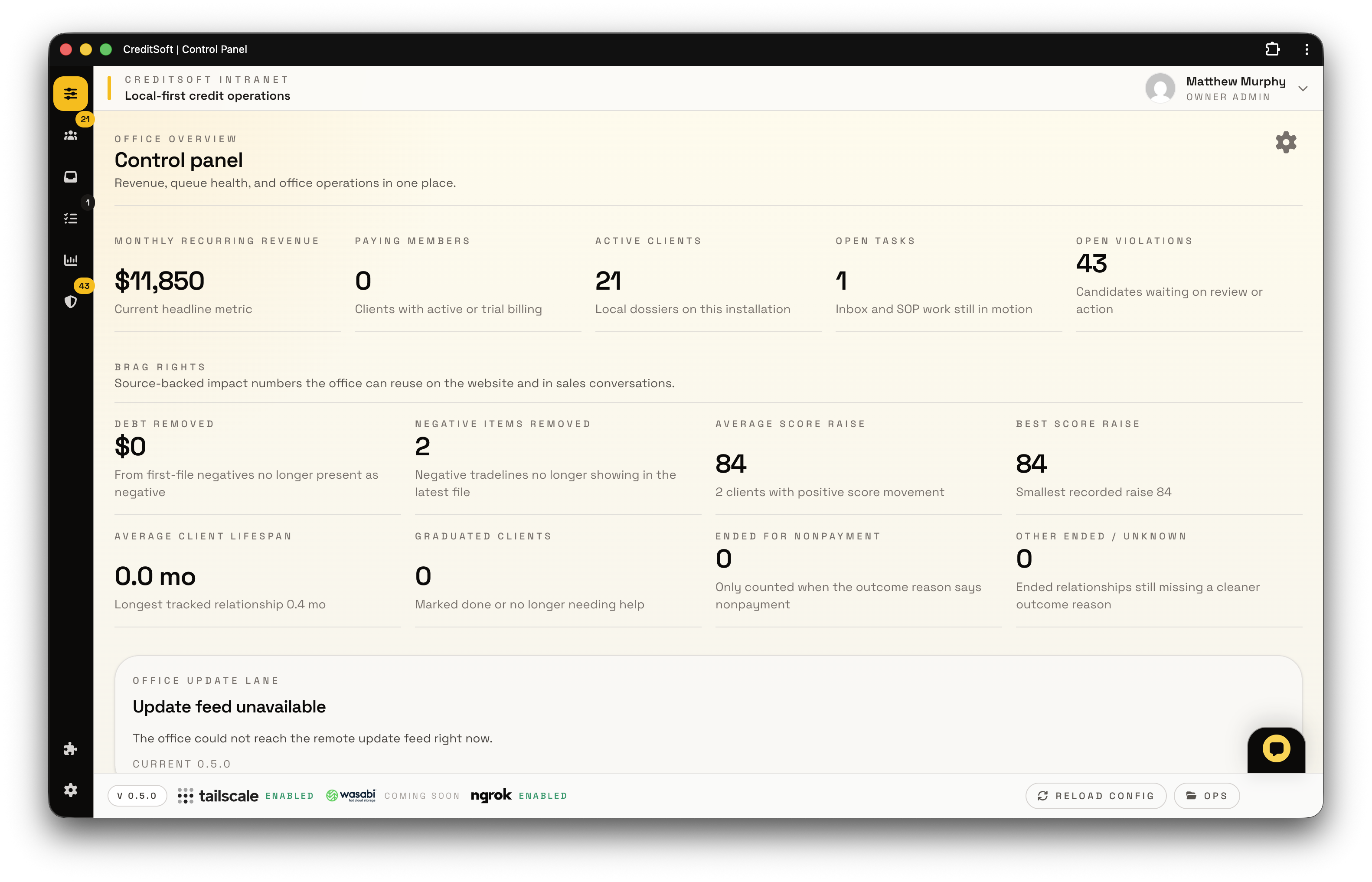
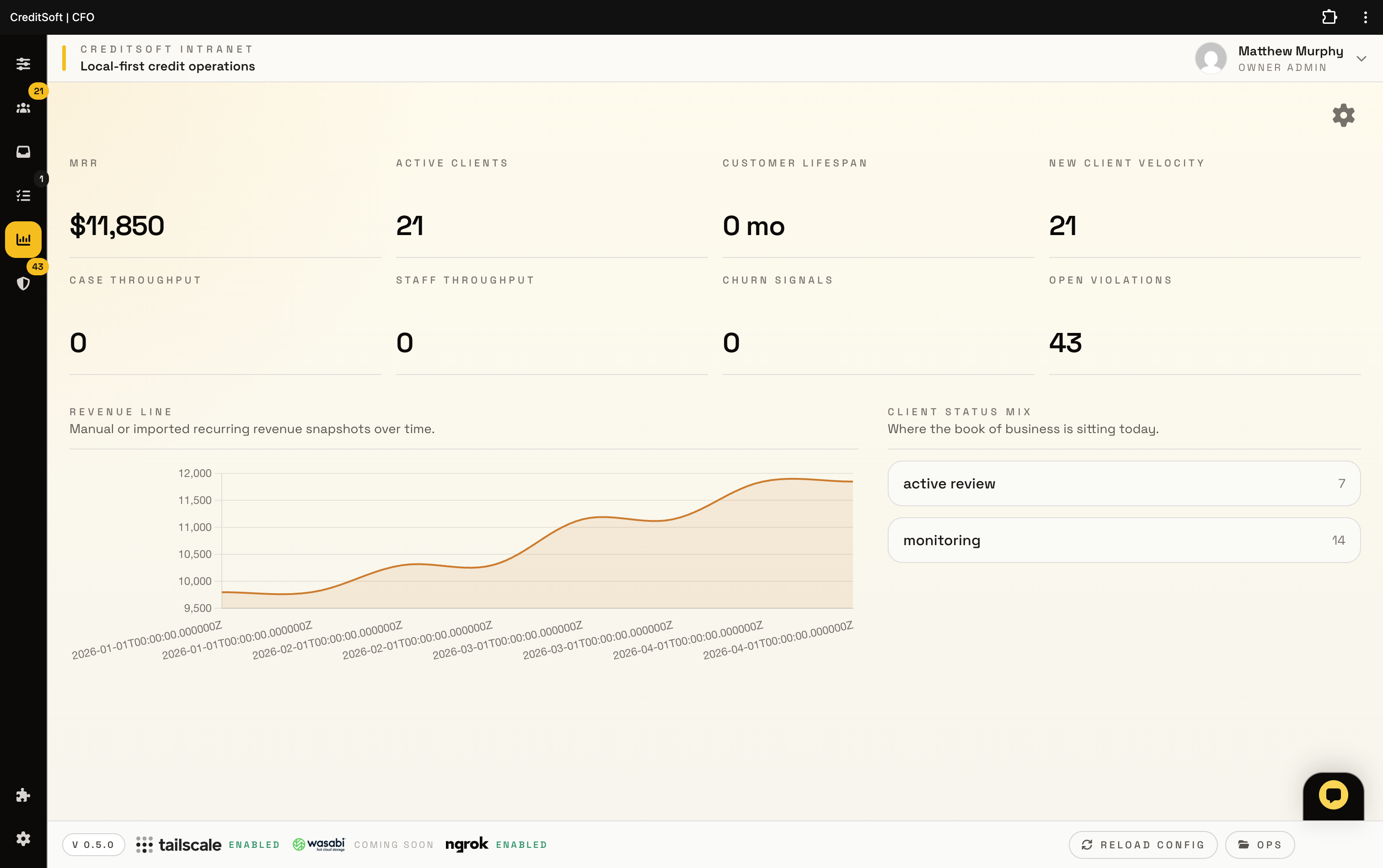
CreditSoft office metrics dashboard screenshot.
Operations

Scale and compliance get their own lanes.

Multi-office nodes, provider settings, compliance review, and marketing handoff are separate deeper pages, but this overview shows how they belong to the same operating map.

Multi-office nodesCompliance
Feature lanes

Jump into the detailed pages from here

Each card is a doorway into one part of the CreditSoft stack, with the screenshots doing the product proof instead of leaving the page text-only.

CreditSoft client roster screenshot with account rows and office workflow controls.
Office system

Local-first CRM

Run leads, clients, documents, billing signals, notes, and task follow-up from the protected office workspace.

ClientsTasksOffice node
View details
CreditSoft inbox queue screenshot showing work items prepared for review.
Review engine

Metro2 review

Turn report data into focused review queues so staff can investigate Metro2 patterns before drafting disputes.

Report dataIssue queuesAI assist
View details
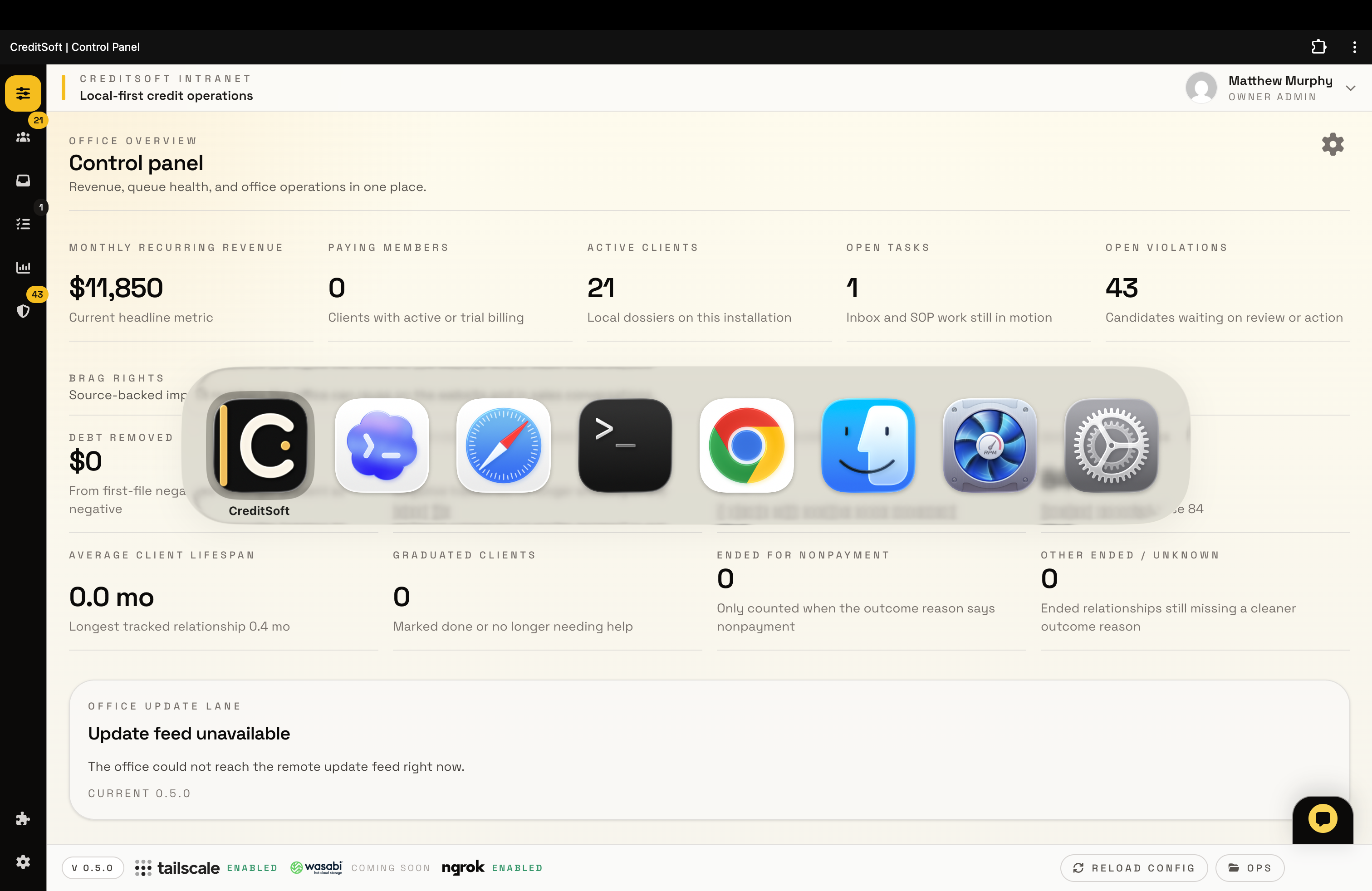
CreditSoft installed PWA on macOS showing the app icon in the app switcher and Dock.
Client lane

Client portal and app access

Give clients a branded place for uploads and status while staff can launch CreditSoft as an installable app on supported desktop browsers.

UploadsStatusmacOS PWA
View details
CreditSoft API settings screenshot showing integration and key controls.
Connectivity

API bridge

Connect intake, portal events, browser capture, and partner callbacks to the local office through controlled lanes.

IntakeCallbacksTokens
View details
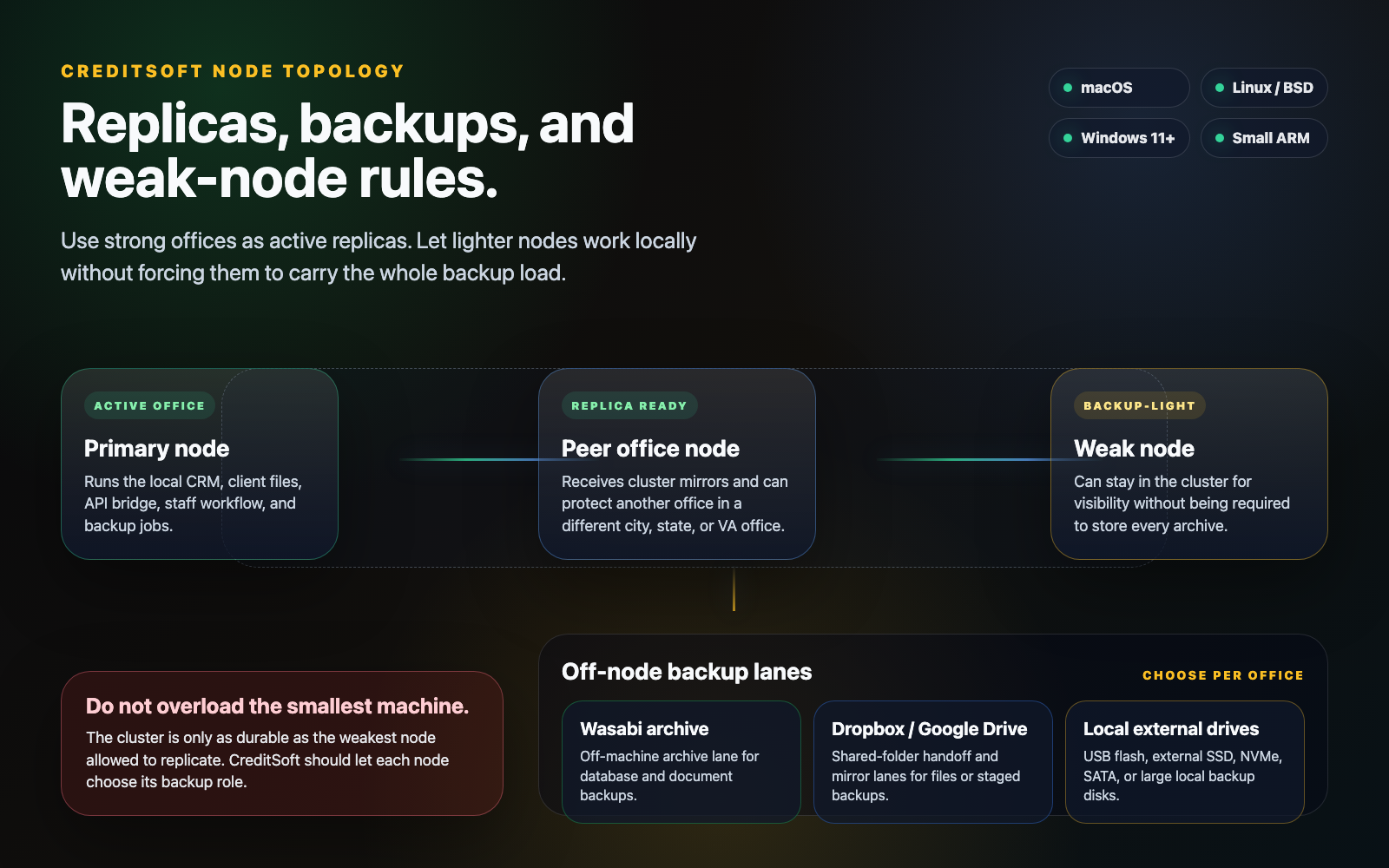
CreditSoft node topology visual showing primary, replica, backup-light, and off-node backup lanes.
Node topology

Multi-office nodes

Plan primary, replica, and backup-light office nodes so weak hardware can stay useful without being forced to carry every archive.

ReplicasWeak-node rolesBackup lanes
View details
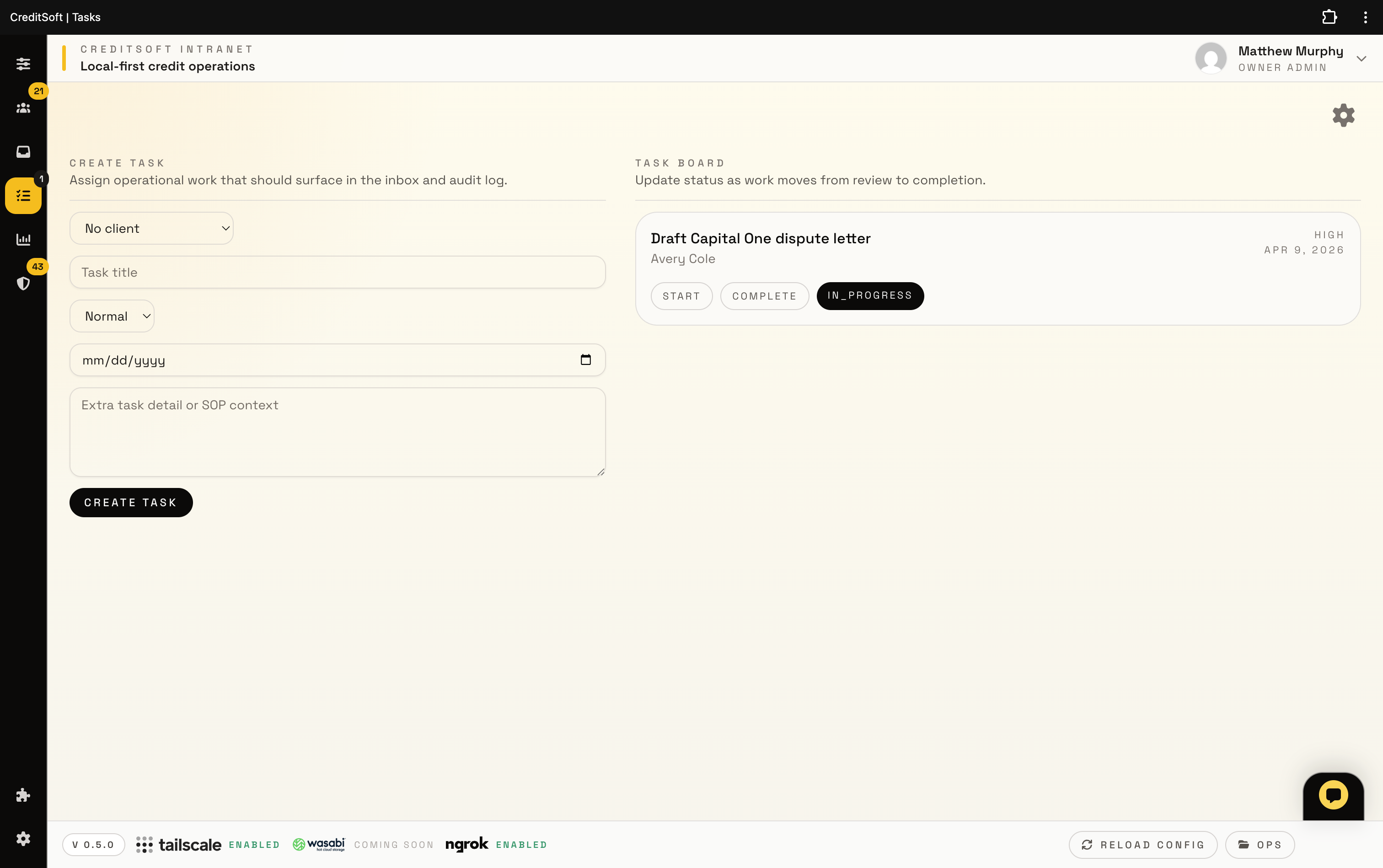
CreditSoft tasks board screenshot showing assigned work and workflow status.
Federal workflows

FCRA / FDCPA compliance

Keep evidence, tasks, claim indicators, and escalation context attached to the client record for cleaner human review.

EvidenceAudit trailReview
View details
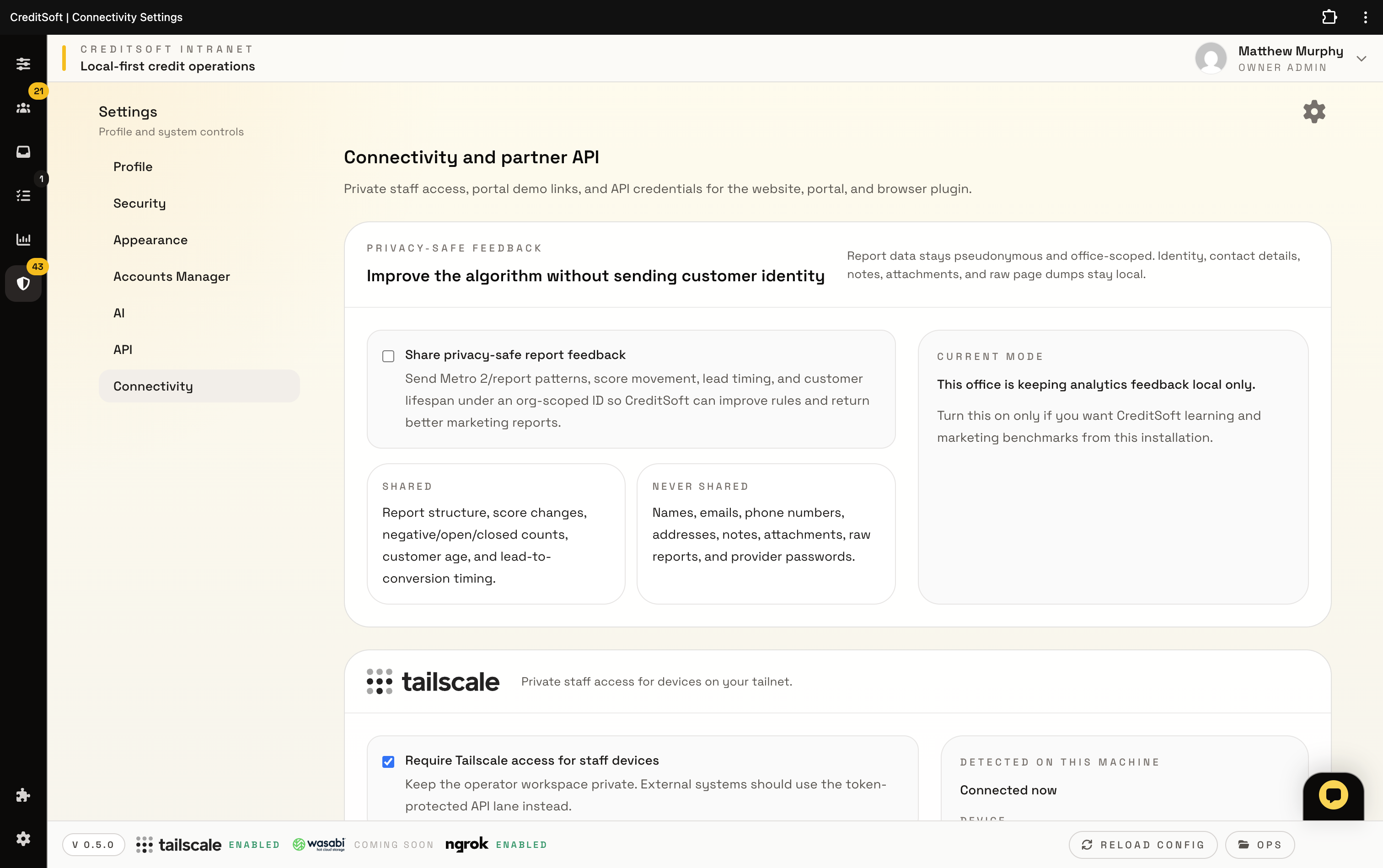
CreditSoft connectivity settings screenshot showing private provider and delivery configuration.
Delivery

Email providers

Route office notices, provider alerts, billing follow-up, and portal messages through delivery providers the office already trusts.

SMTPWorkspaceNotifications
View details
CreditSoft dashboard screenshot running in a browser window.
Marketing lane

Social and Meta

Bring Meta lead capture, creator goals, and content follow-up back into the same intake and office workflow.

Lead handoffMetaFollow-up
View details
Next step

Use the overview to pick the workflow you want to inspect first.

The CRM, Metro2, portal, API, node, compliance, email, and social pages are there for deeper reading. Public visitors can start checkout or return to their portal when they are ready.