Zelle Database invoice
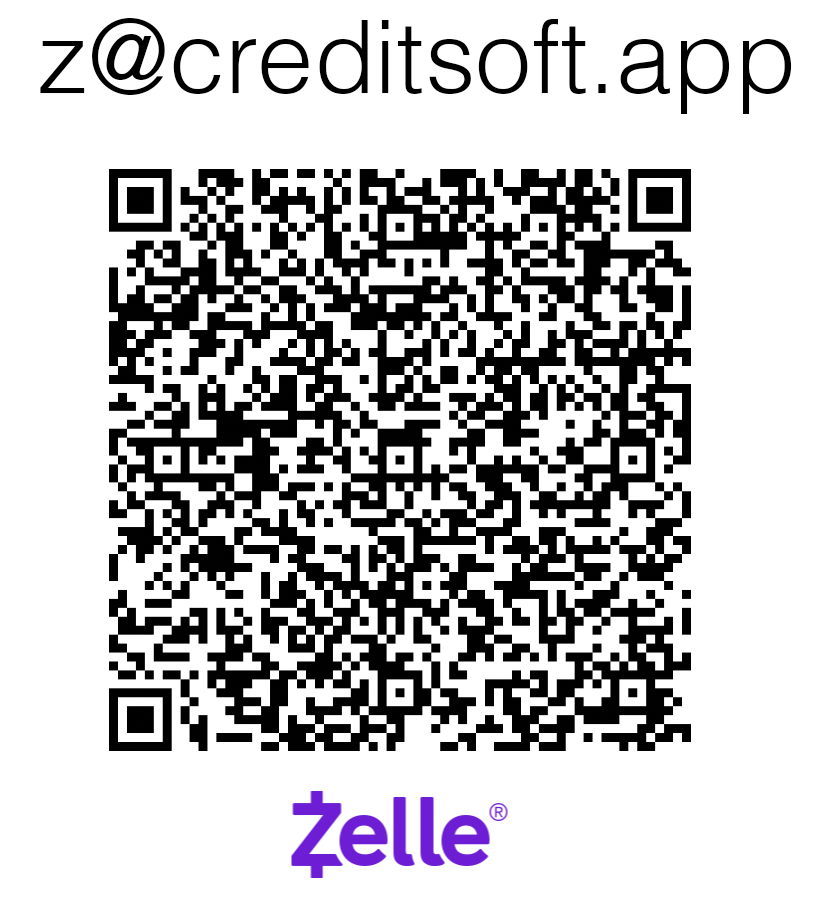
- Payee
- Matthew Murphy
- Zelle email
- hello@creditsoft.app

The checkout reference ties Zelle or Cash App payment history to the CreditSoft account record, account email, amount, phone, and license access.
Use the email that should own the CreditSoft account dashboard and license. After this step, copy the exact checkout note into the Zelle memo or note.
Use this exact note in the Zelle memo or Cash App note: